
Home›Schools
For CBSE, ICSE and state-board schoolsOne system for your school. Parents see it on their phone.
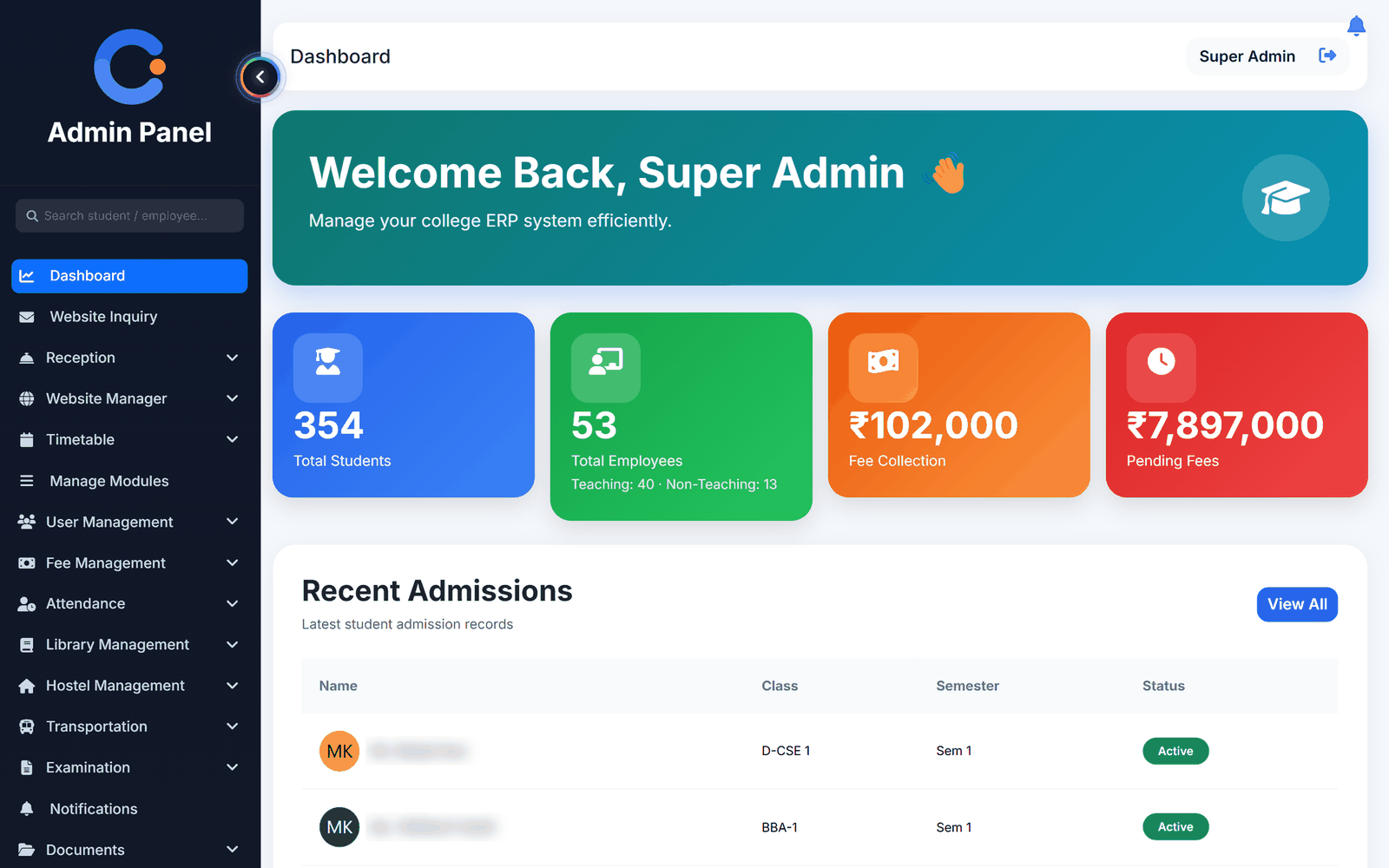
Attendance marked in class is on the parent's login the same day. Fees, results, notices and transport all live in the same place, so the office stops fielding the same four questions on the phone all day.
Four problems every school office recognises
Parents ringing the office to ask
Attendance, fee status, results and notices on the parent phone answers most calls before they happen — and the parents who never come to meetings are the ones who start paying attention.
Fee collection by chasing
Invoices generate for the whole class at once, receipts print themselves, and the dues list is live. Reminders go out worded properly instead of being typed one by one.
Report cards that fight the format
Marks entry totals and grades as you go, and the result sheet and individual cards print from the same data.
Transport with no seat count
Routes, stops, vehicles and seat availability in one view, with transport fee tracked separately from tuition.
What you would switch on first
These are the modules most schools start with. The other 24 are there when you want them.
Everything the parent needs, on their phone
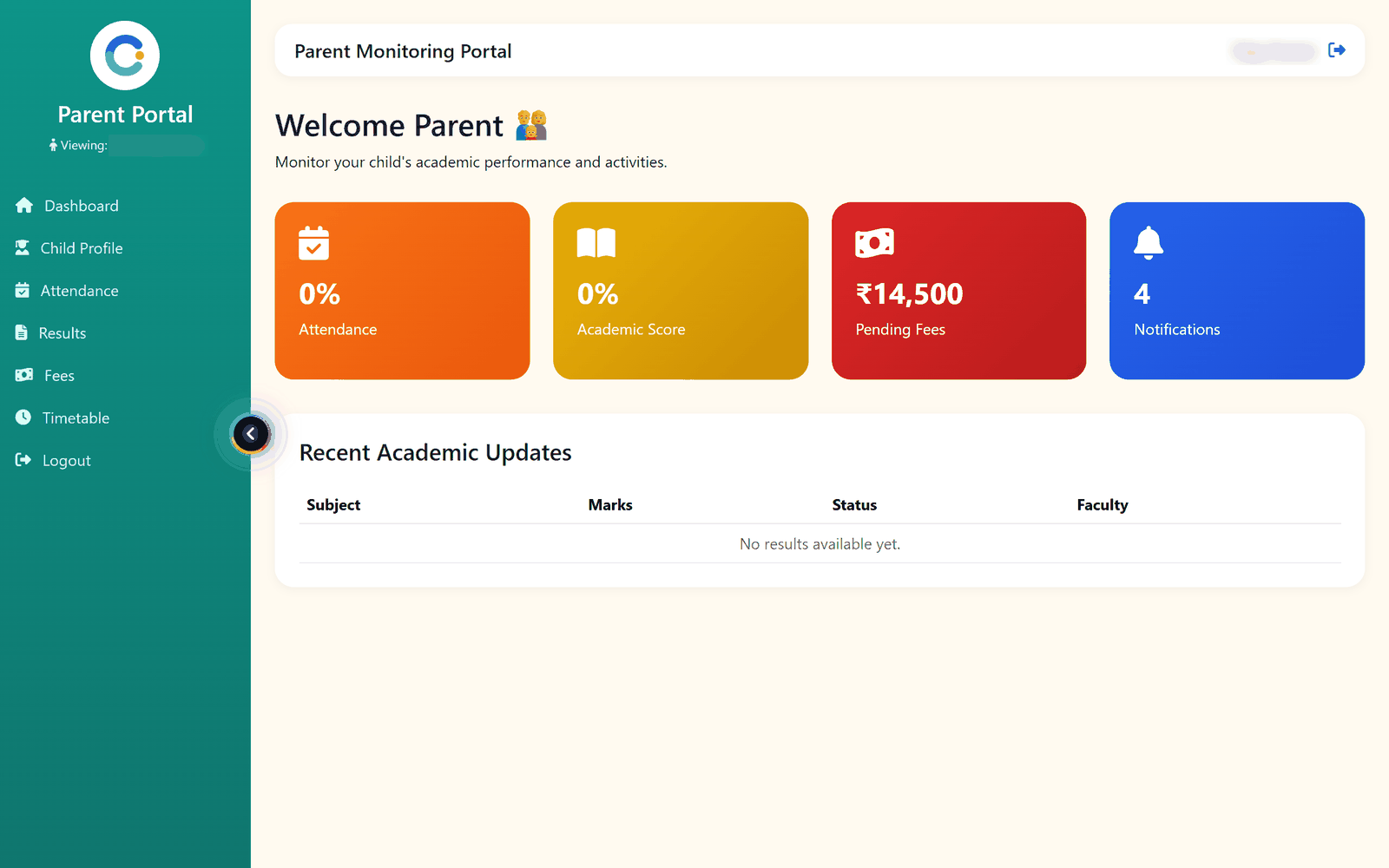
Attendance, fee status, results and notices are on the parent's own login, so your office does not have to send them. The parents who never come to meetings are the ones who start paying attention.
- Parents see attendance and fees
- Report cards that print correctly
- Transport and route management
- Own web address per school
Asked by school teams
Can parents see their child's attendance and fees?
Yes. Parents get their own view of attendance, fee status, results and notices, so the information reaches them without the office having to send it.
Does it work for a small school?
Yes, and this is what the per-role feature switches are for. A 200-student school can run attendance, fees, exams and notices and never see the modules it does not need.
What about buses and routes?
Routes with stops and distance, vehicles with driver details, seat availability per route, and transport fee tracked on its own so it never gets confused with tuition.
Do teachers need a computer?
No. Teachers mark attendance, enter marks and post assignments from the Android app or any phone browser.
See it with your school's name on it.
- A real walkthrough, not a slide deck. We set your institution up while you watch.
- Bring your hardest question. Fees and exam patterns are where most systems fall over.
- No obligation. If it is not right for you, we will say so.
Book a free demo
Tell us about your school and we will show you exactly how it would run.
Writing for people who run institutions
Compliance, admissions, fees and the operational detail nobody else covers.

Daily vs Period-wise Attendance: Which Does Your Institution Need?
Are you counting days or counting classes? When daily attendance is enough, when colleges need period-wise attendance, and three rules...

School Transport Fees and Seats: A Simple System That Works
Buses with more students than seats and families billed after they stopped using the van. Six steps to keep school...