
Home›Exams & results
Exams and resultsFrom exam schedule to report card, in one place.
Create the exam for a class, add its subjects with dates and marks, and the subject teacher enters the marks. Totals, percentage, grade and pass or fail are worked out for you, and the report card is ready to print.
Where exams and results usually break
Marks collected on paper and typed again
The subject teacher enters marks directly, student by student, with an absent tick. Nobody retypes a mark sheet in the exam cell.
Totals and pass or fail worked out by hand
Passing marks are set per subject. Total, percentage and pass or fail come from the marks entered, so there is nothing to add up.
Grading rules kept in someone's head
Define your grades once with percentage range and grade point. The grade then appears on every report card automatically.
Results asked for one student at a time
Students see their own results in the app or browser, and the office prints a class result sheet or a single report card whenever it is needed.
How an exam runs
Four steps from creating the exam to handing out results.
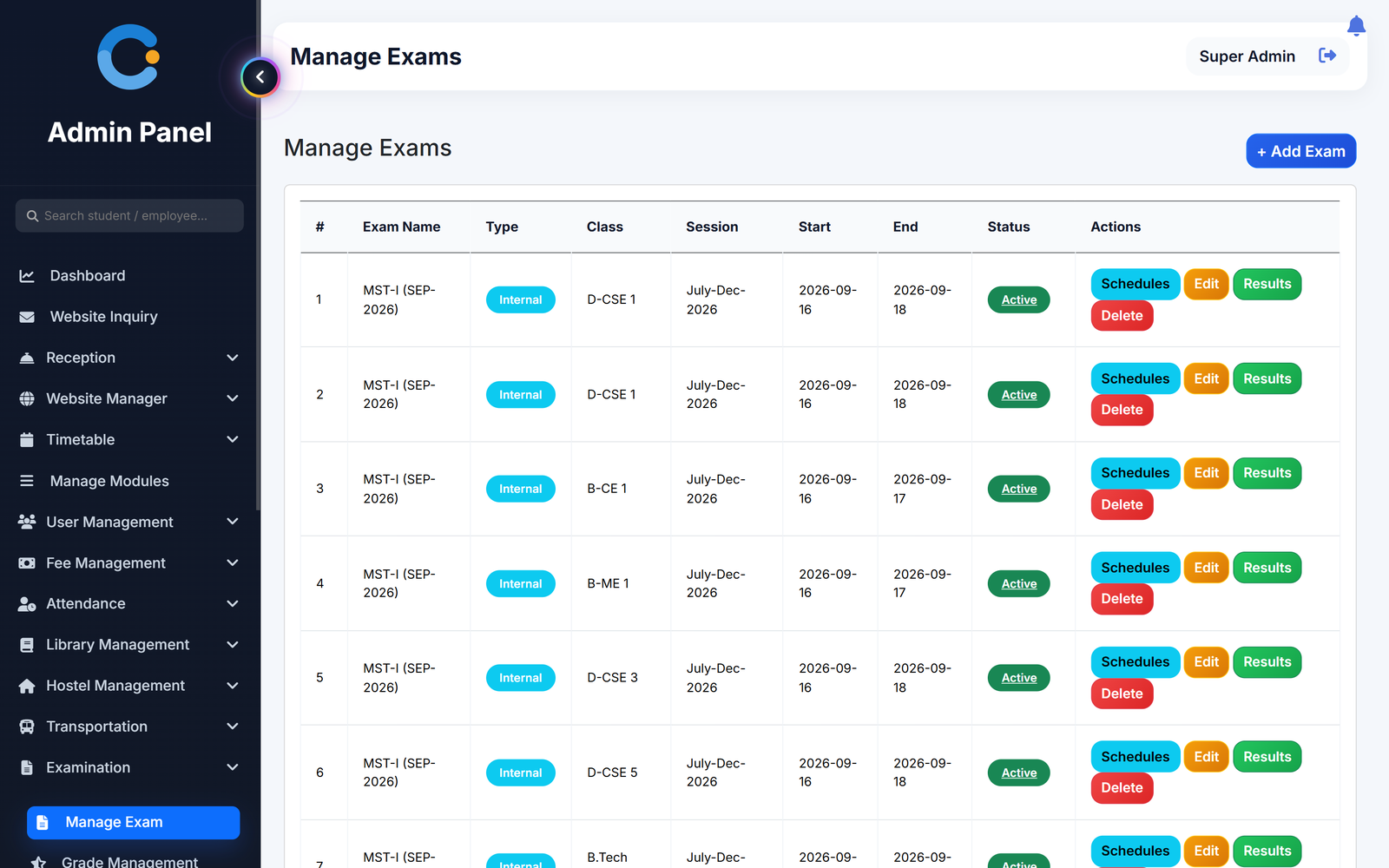
- Create the exam. Name it, mark it internal or external, and pick the class, session and dates.
- Add the schedule. Add each subject with its date, time, maximum marks and passing marks.
- Enter the marks. The subject teacher opens the subject, enters marks per student and ticks anyone absent.
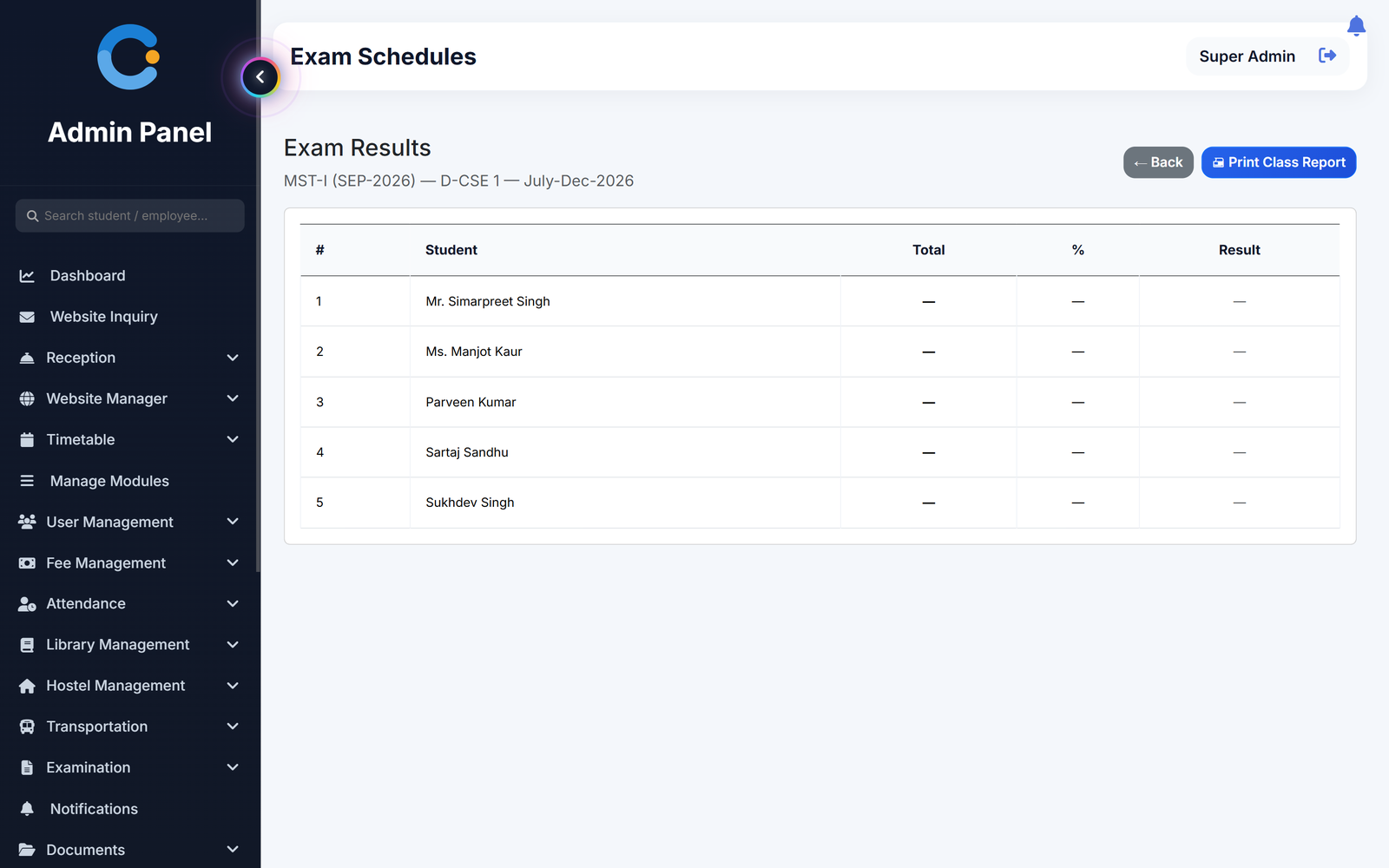
- Publish the result. See the class results with total, percentage and pass or fail, print the class sheet or each student's report card.
What is included
Who sees what
Exam cell / admin
Creates exams, sets the schedule and grades, and prints class results and report cards.
Subject teacher
Enters marks for their subject, on the web or in the Android app.
Student
Sees the exam schedule and their own results in the Android app or any browser.
Principal / management
Sees class-wise results without asking the exam cell for a sheet.
Asked about exams & results
Who enters the marks?
The subject teacher, student by student, with an absent tick for anyone who missed the paper. Admin can enter marks as well.
Can we set our own grades?
Yes. You define each grade with its minimum and maximum percentage and a grade point, and the grade is shown on the report card.
Can we print report cards?
Yes. A student report card lists each subject with marks, passing marks and grade, and a class result sheet can be printed for the whole class.
Do you support internal and external exams?
Each exam is marked internal or external. Results of university or board exams can also be uploaded and kept against the student.
Can students see their results?
Yes. Students see their exam schedule and results in the Android app or any browser.
Modules that share the same records
See exams & results running with your institution's name on it.
- A real walkthrough, not a slide deck. We set your institution up while you watch.
- Bring your hardest question. Fees and exam patterns are where most systems fall over.
- No obligation. If it is not right for you, we will say so.
Book a free demo
Tell us about your institution and we will show you exactly how it would run.