
School Transport Fees and Seats: A Simple System That Works
Buses with more students than seats and families billed after they stopped using the van. Six steps to keep school transport fees and seats under control.
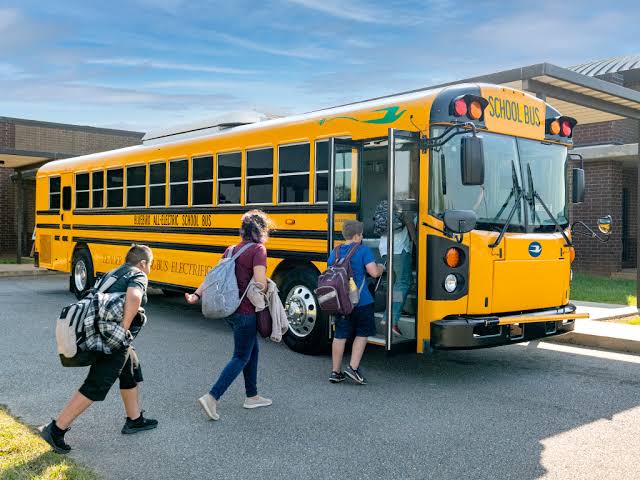
School transport is one of the easiest places for money and seats to go missing. A bus that shows 40 students on paper may have 46 on the road, and a family that stopped using the van in October may still be on the fee list in March. Here is a simple way to keep transport fees and seats under control.
1. Write down every route and stop
Start with the basics: each route, its stops in order, and the distance. Decide the fee for each route, and if teachers also use the bus, decide whether their fee is different.
2. Know the real capacity of every vehicle
Record each bus, van or auto with its seating capacity and its driver. When you know capacity, you know when a route is full, and you stop adding students to a vehicle that has no seat left.
3. Allot each student to a route, a vehicle and a stop
Every student who uses transport should be allotted to one route, one vehicle and one boarding stop, with a start date. This one record answers most transport questions: who is on this bus, where do they get on, and since when?
4. Charge transport fees every month, on the same record
Transport fees are easier to collect when they are added month by month to the student's fees, with a receipt for each payment. When transport sits in a separate register, it is the first fee to be forgotten.
5. End the allotment when a student stops using the bus
When a family stops using transport, close the allotment that day. It frees the seat and stops next month's charge.
6. Keep the vehicle papers up to date
Licence, registration, insurance, pollution certificate, fitness, permit and road tax all have expiry dates. Keep them in one list for every vehicle and check it every month.
How CampusOS handles transport
The CampusOS transport module keeps routes with stops, distance and separate student and teacher fees, and vehicles from buses to vans with their driver and capacity. Students and teachers are allotted with a boarding stop and start date, the screen shows the seats left, and a full vehicle cannot be selected.
The monthly transport charge is added to the student's fees with a receipt for each payment, and a bus papers tracker lists licence, registration, insurance, pollution, fitness, permit and tax for every vehicle, with Excel download. CampusOS does not include GPS tracking. To see it working, book a free demo.